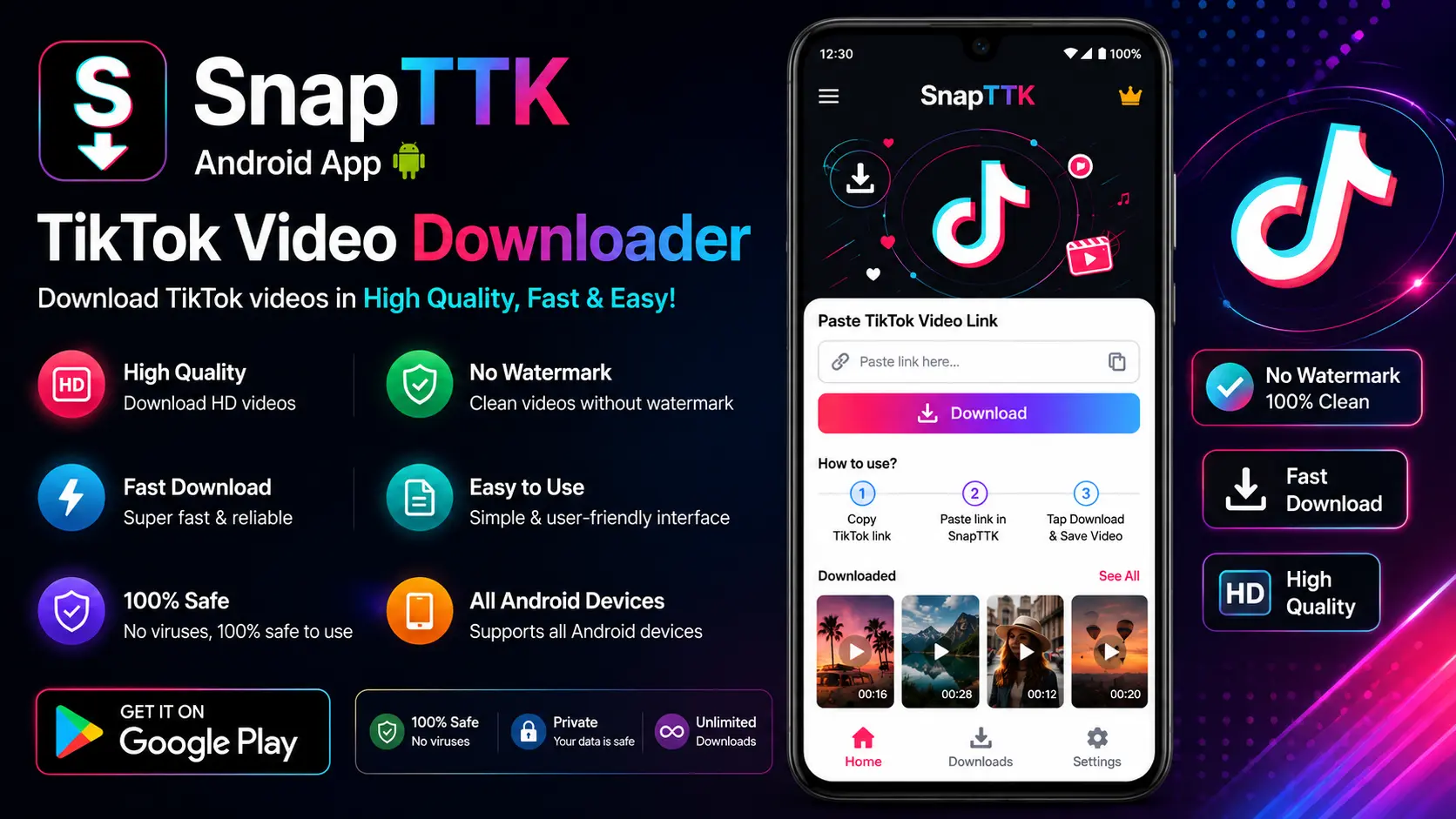
Downloading TikTok videos on an Android phone does not require any extra app. With SnapTTK you can save TikTok videos without a watermark, in the best available HD quality, using only your mobile browser. This guide walks you through the exact steps for Android, plus where to find your downloads and how to fix the most common problems.
How to Download TikTok Videos on Android (Step by Step)
- Open TikTok and find the video. Open the TikTok app and go to the public video you want to save.
- Copy the video link. Tap the Share arrow on the right side of the video, then tap Copy link.
- Open SnapTTK in your browser. Open Chrome (or your usual Android browser) and go to snapttk.com.
- Paste the link. Paste the copied TikTok link into the downloader field on the page.
- Tap Download. Choose the download option you want — without watermark or HD quality, when available.
- Save the video. If the video opens and starts playing in a new tab, tap the three-dot menu on the video player and choose Download. The MP4 file will be saved to your phone.
Where Do Downloaded TikTok Videos Go on Android?
Downloaded videos are normally saved in your phone’s Downloads folder. You can find them in the Files app (Files by Google on most phones) under Downloads, or in your Gallery / Photos app, where most browsers also make recent video downloads visible. If you use Chrome, you can also tap the browser menu and open Downloads to see everything you have saved.
Why Use a Browser Downloader Instead of an App?
- No installation: nothing extra takes space on your phone, and there is no app to keep updating.
- No sign-up: SnapTTK never asks for your TikTok password or account details.
- No watermark: the saved video is clean, which is ideal if you are a creator reusing your own content on other platforms.
- Works on any Android: Samsung, Xiaomi, Pixel, OnePlus and every other Android phone with a modern browser.
Prefer another device instead? We also have dedicated guides for the TikTok video downloader for iPhone and the TikTok video downloader for PC.
Tips for the Best Download Quality on Android
- Always copy the link from the individual video, not from a profile or search page.
- Use a stable Wi-Fi or mobile data connection for larger videos.
- The final quality can never be higher than the original upload — if the creator uploaded in HD, you can download in HD.
- Download your own videos, or public videos you have permission to save and reuse. Respect creators’ copyright.
Frequently Asked Questions
Do I need an app to download TikTok videos on Android?
No. SnapTTK works directly in your Android browser, so there is nothing to install and no account or sign-up needed. Just open the site in Chrome or your usual browser and download.
How do I download a TikTok video on Android with SnapTTK?
Open the TikTok app, tap Share on the video, then Copy link. Open SnapTTK in your browser, paste the link into the downloader field, and tap Download. If the video opens in a new tab, use the player’s three-dot menu to save the MP4 to your phone.
Where do downloaded videos save on Android?
Downloaded videos are normally saved in your phone’s Downloads folder. Find them in the Files app under Downloads, or in your Gallery or Photos app. In Chrome, you can also open the browser menu and tap Downloads to see everything you saved.
Does it remove the watermark on Android downloads?
Yes. SnapTTK saves TikTok videos without the watermark, so the downloaded video is clean. This is ideal if you are a creator reusing your own content on other platforms.
Which Android browsers work best?
Any modern Android browser works. Chrome is the usual choice, but Samsung Internet, Firefox, and other modern browsers work the same way on Samsung, Xiaomi, Pixel, OnePlus, and other Android phones.