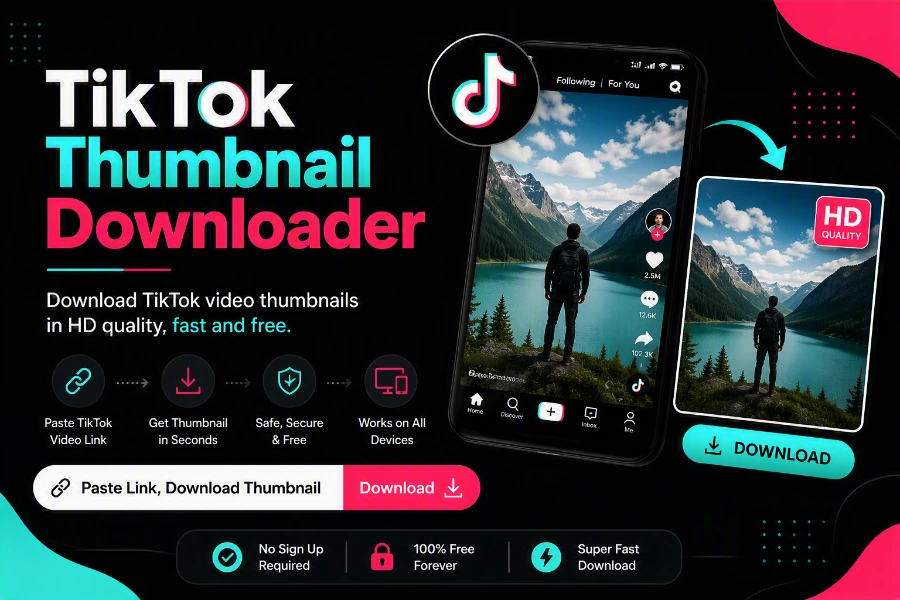
A TikTok thumbnail (the cover image) is the first thing anyone sees — and sometimes you need that image by itself. Creators reuse covers for YouTube or Instagram, designers save them for mood boards, and fans just want the artwork in full quality instead of a squashed screenshot. This free tool pulls the original cover image from any public TikTok video, in the highest resolution TikTok has.
How to Download a TikTok Thumbnail (Step by Step)
- Open TikTok and go to the video whose cover you want.
- Copy the video link — Share → Copy Link in the app, or copy the URL from your browser’s address bar on desktop.
- Paste the link into the thumbnail downloader above.
- Click Download and save the cover image to your device.
That is it — no screenshot cropping, no quality loss from screen-capturing a playing video, and no watermark stamped over the image.
What Makes This Better Than a Screenshot?
- Original resolution: you get the actual cover file TikTok stores, not a compressed capture of your screen.
- No player clutter: no usernames, captions, progress bars or buttons baked into the image.
- Exact framing: the whole cover, edge to edge, exactly as the creator designed it.
Good Uses for TikTok Thumbnails
- Repurposing your own covers across YouTube Shorts, Reels and TikTok for a consistent look
- Studying what high-performing creators in your niche put on their covers
- Saving artwork, posters and infographics posted as video covers
- Press, blogs and reviews illustrating a specific video (with credit to the creator)
Need the whole video instead? Use the main TikTok video downloader — or grab just the sound with the TikTok MP3 downloader.
Frequently Asked Questions
Free TikTok Tools on SnapTTK
Put this guide into practice with our free online tools — no app install and no sign-up needed: