A TikTok downloader extension puts a download button one click away while you browse — no copying links, no extra tabs. It is a genuinely convenient idea, and also one that deserves a little caution: browser extensions can see a lot of what you do online. Here is how these extensions work, how to choose one safely, and the no-install alternative most people end up preferring.
How TikTok Downloader Extensions Work
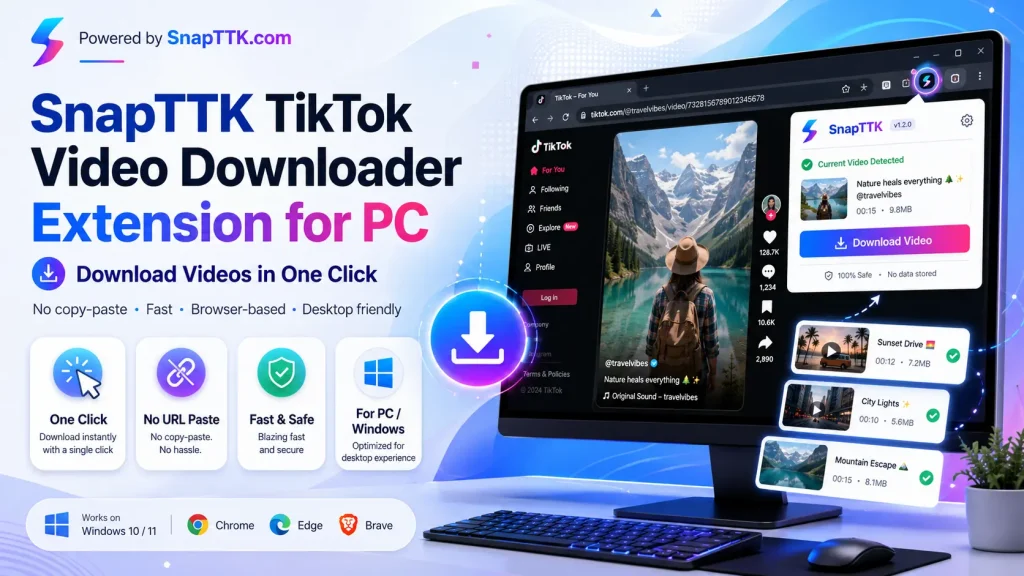
After you install an extension from the Chrome Web Store, it adds a small button to TikTok pages (or its own toolbar icon). When you open a video, the extension reads the page, finds the video file, and offers download options — usually with or without the watermark. Better extensions also handle photo slideshows and add a right-click “download this video” option.
How to Install and Use One (Chrome)
- Open the Chrome Web Store and search for “TikTok downloader”.
- Check before installing: recent reviews, number of users, when it was last updated, and the permissions it requests (see the safety list below).
- Click Add to Chrome and confirm.
- Open any TikTok video — use the extension’s button on the page or in the toolbar to download.
Safety First: 5 Checks Before Installing Any Extension
- Permissions: “Read and change all your data on all websites” is a red flag for a simple downloader.
- Reviews & history: prefer extensions with a long track record and recent positive reviews.
- Update recency: TikTok changes often; an extension abandoned a year ago probably no longer works anyway.
- One job only: be suspicious of extensions bundling shopping assistants, search changes or “deals” features.
- Removable: if anything feels off, remove it at chrome://extensions — and never install extensions from outside the official Web Store.
Extension vs Online Downloader: Which Should You Use?
Extensions win on pure convenience if you download from a desktop browser all day. Online tools win everywhere else: they work on phones and tablets (where Chrome extensions do not exist), on computers where you cannot install anything, and they ask for zero permissions. SnapTTK covers the same jobs — video, MP3, stories and slideshows — straight from a browser tab, including the PC workflow most extension users are on.
Frequently Asked Questions
Free TikTok Tools on SnapTTK
Put this guide into practice with our free online tools — no app install and no sign-up needed: