Search any app store for “TikTok downloader” and you will drown in options — half of them wrapped in ads, coin systems and weekly subscriptions for a job that takes ten seconds. So is a TikTok downloader app ever worth installing? Sometimes. This honest guide compares downloader apps with browser-based tools like SnapTTK, so you can pick the right one for how you actually save videos.
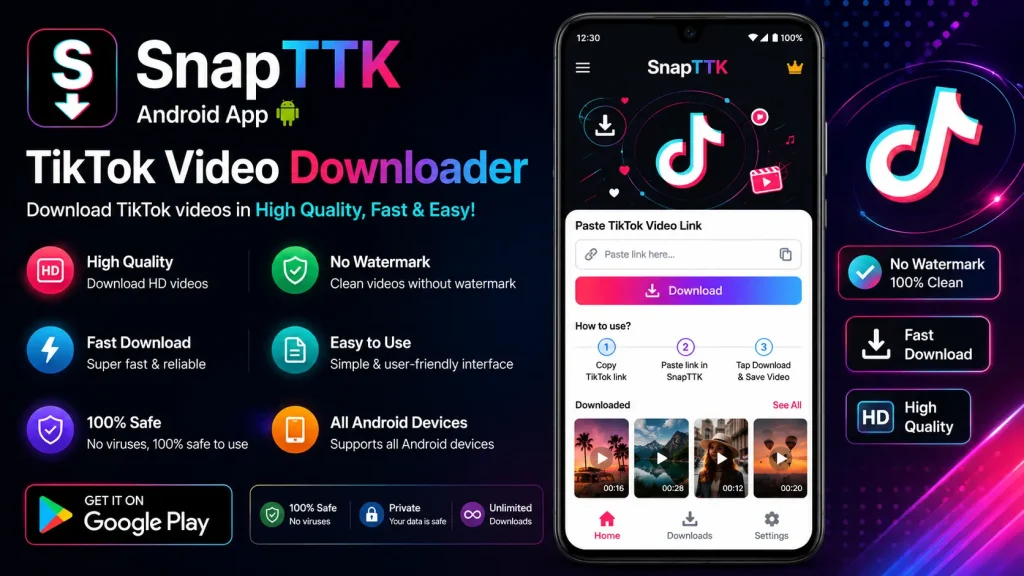
Downloader App vs Browser Tool: The Honest Comparison
| Downloader App | Browser Tool (SnapTTK) | |
|---|---|---|
| Install needed | Yes, from an app store | No — works in any browser |
| Cost | Often freemium, ads or subscriptions | Free |
| Watermark-free | Depends on the app | Yes, when the source allows |
| MP3 & bulk downloads | Sometimes, often paid | Free MP3, story, slideshow and bulk tools |
| Works on iPhone | Very limited — Apple restricts these apps | Yes, in Safari |
| Privacy | Permissions vary; some ask for a lot | No account, no TikTok password, nothing to grant |
When an App Actually Makes Sense
If you download dozens of videos a day, every day, and want them automatically organised inside one app, a good downloader app can save you a few taps. That is a power-user workflow. For everyone else — saving a few videos a week — an app is one more icon, one more account, and one more subscription screen standing between you and a ten-second job.
How to Download With SnapTTK Instead (No App)
- Copy the TikTok video link (Share → Copy Link).
- Open snapttk.com in your phone or computer browser.
- Paste the link, tap Download, choose no-watermark or HD.
- Save the MP4 — done. Sound only? Use the MP3 downloader. Lots of videos? Try the bulk downloader.
Safety Rules If You Do Install a Downloader App
- Only install from the official App Store or Google Play — never an APK from a random website.
- Check the permissions. A downloader has no business asking for your contacts or messages.
- Never sign in with your TikTok password inside a third-party app. Legitimate downloaders never need it.
- Read recent reviews — formerly good apps are sometimes sold and stuffed with ads.
Frequently Asked Questions
Free TikTok Tools on SnapTTK
Put this guide into practice with our free online tools — no app install and no sign-up needed: