The green screen effect is one of TikTok’s creative superpowers: film yourself in your bedroom, appear anywhere on Earth. The best backgrounds, reaction templates and “put a finger down” formats all start as green screen videos other creators share. This guide shows you how to find them, download them without a watermark, and actually use them in your own edits.
What Is a TikTok Green Screen Video?
A green screen (chroma key) video is footage shot or designed so one colour — usually bright green — can be replaced with a different background during editing. On TikTok, creators post ready-made backgrounds, scenes and templates for everyone else to build on: stand in front of a breaking-news studio, a dream house tour, or a famous meme moment. Downloading the template cleanly, without a watermark burned into it, keeps your final edit looking professional.
How to Download TikTok Green Screen Videos (Step by Step)
- Find a template. In TikTok, search terms like “green screen template”, “green screen background” or the specific scene you want.
- Copy the video link — Share → Copy Link.
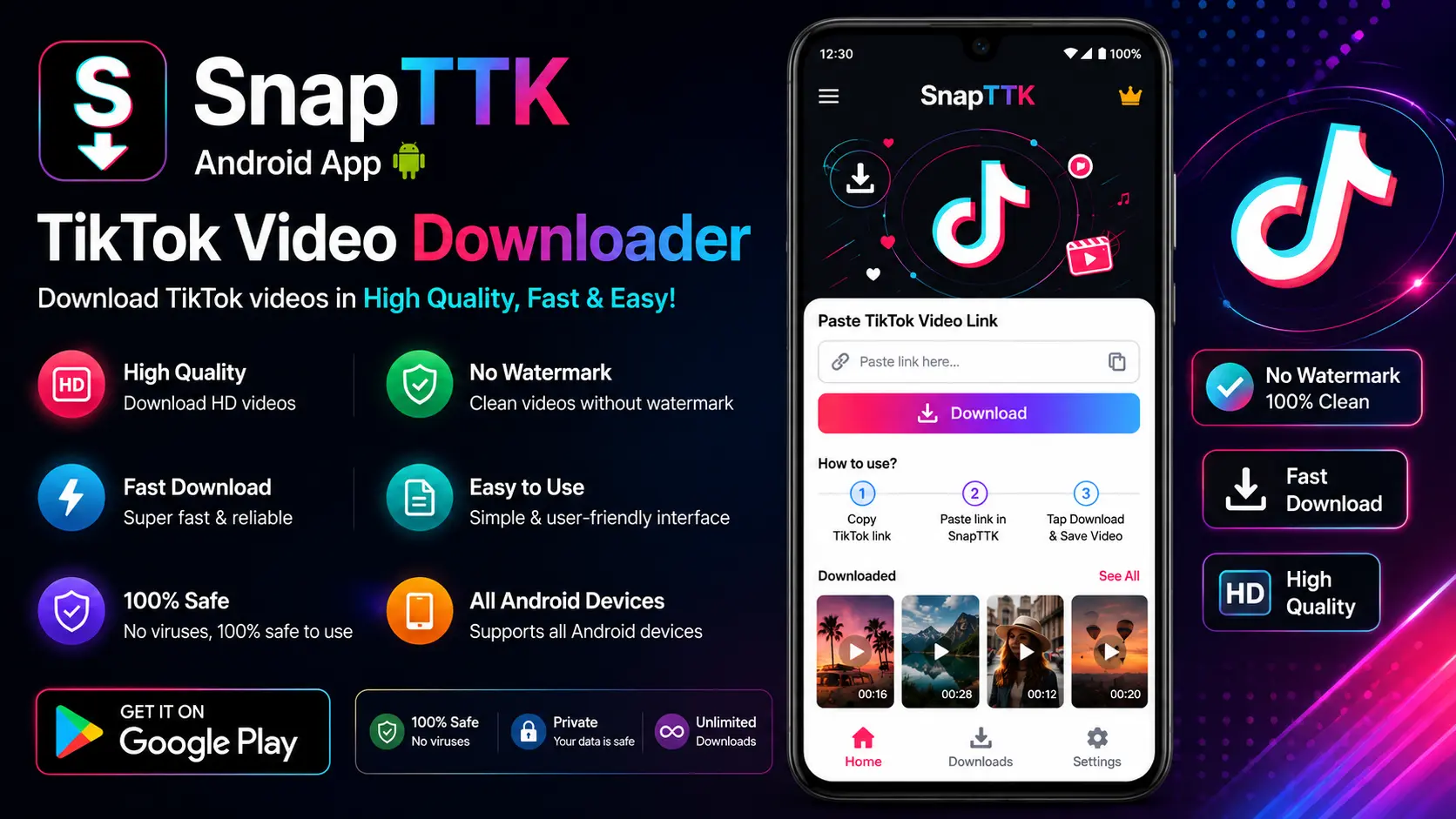
- Open the SnapTTK video downloader and paste the link.
- Download without watermark in the best available quality.
- Import the file into your editor (CapCut, Premiere Pro, DaVinci Resolve and most phone editors all support chroma key / green screen).
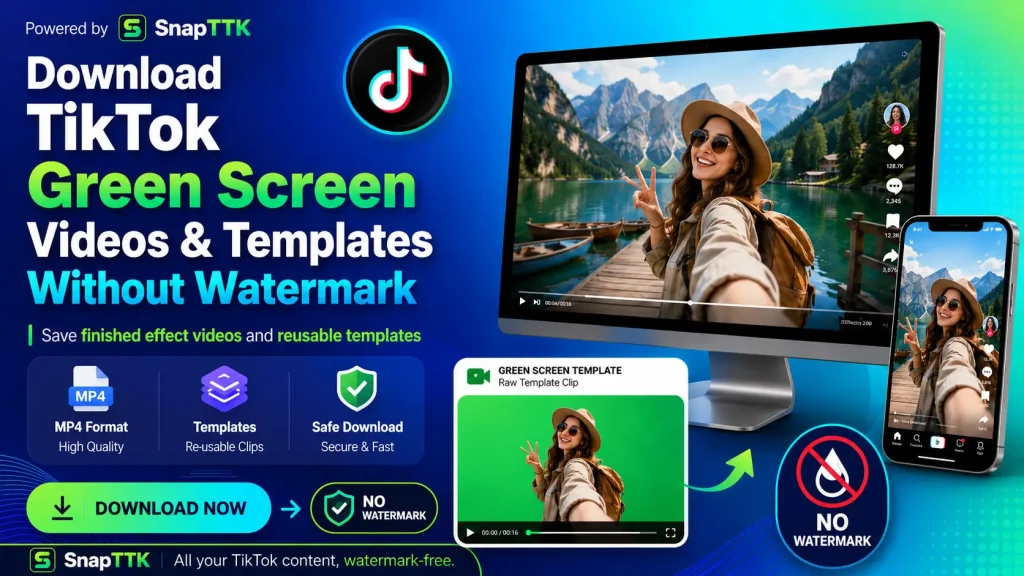
How to Use a Green Screen Template in CapCut (Quick Version)
- Create a new project with your own selfie video.
- Add the downloaded template via Overlay → Add overlay.
- Select your selfie clip, open Cutout → Chroma key, pick the green with the colour picker and adjust intensity until the background disappears cleanly.
- Resize and position yourself in the scene, then export.
Tips for Templates That Look Real, Not Cheap
- Download the highest quality version available — chroma key edges fall apart on blurry, low-resolution footage.
- Match lighting direction: a template lit from the left looks wrong if your face is lit from the right.
- Add a soft shadow under yourself in the scene — it is the one detail viewers notice subconsciously.
- Credit template creators in your caption when they ask for it. It costs nothing and builds the community that makes these templates.
Frequently Asked Questions
Free TikTok Tools on SnapTTK
Put this guide into practice with our free online tools — no app install and no sign-up needed: