
TikTok Thumbnail Downloader – Save TikTok Cover Images Online
SnapTTK is a free TikTok thumbnail downloader that helps you save the cover image from a public TikTok video. A thumbnail is the first image viewers see, and sometimes you need it separately from the video.
Creators can reuse their covers, designers can collect visual references, and users can save artwork they like. Simply paste the video link and download the available cover image online.
What Is a TikTok Thumbnail?
A TikTok thumbnail is the cover image displayed before a video plays. It may be a selected frame from the video or an image with text and graphics added by the creator. A TikTok cover photo downloader lets you save that image as a separate picture file, without downloading the full video. This tool is for video covers. To save pictures from a slideshow post, use the TikTok slideshow downloader instead.
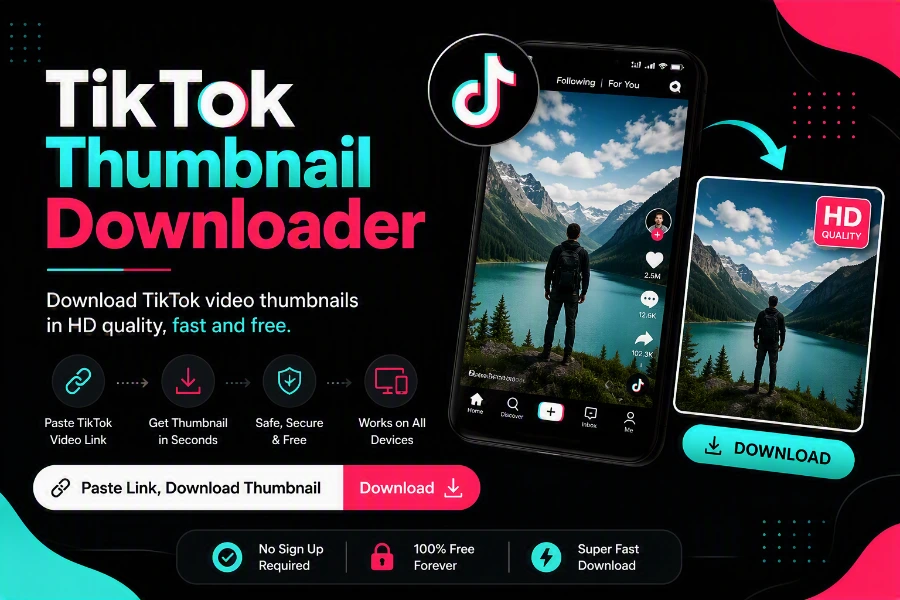
How to Download a TikTok Thumbnail
- Open TikTok and find the video you want.
- Tap Share → Copy Link, or copy the video URL from your browser.
- Paste the link into the SnapTTK thumbnail downloader.
- Click Download to save the available cover image.
With SnapTTK, you can download TikTok video cover images without taking screenshots or cropping the video yourself.
It’s also a simple TikTok video downloader photo option: one video link gives you its cover image. Whether you call it a TikTok video downloader pic tool or a TikTok video pictures downloader, the goal is the same — save the cover image separately.
Why Download a Thumbnail Instead of Taking a Screenshot?
- Better image quality: Save the available cover image instead of capturing your screen.
- Clean image: Avoid TikTok buttons, captions, and playback controls.
- Original framing: Keep the cover’s intended layout.
- No screenshot editing: Get the image without manually cropping the video.
Download TikTok Cover Images in HD
Looking for TikTok photo download HD 1080p without watermark? SnapTTK helps you save the available video cover image in the quality provided by TikTok.
Use it as your TikTok photo downloader no watermark HD tool when you want to save TikTok thumbnail HD for design references, blog illustrations, or your own cover collection.
The final resolution depends on the source image. A low-resolution cover cannot be turned into a genuine HD or 4K image simply by downloading it.
No App or APK Required
You don’t need a TikTok photo download no watermark APK or a TikTok photo download no watermark app to save a cover image with SnapTTK.
The tool works in your browser. Just open the page, paste a public video link, and download the available image — without installing extra software.
What Can You Use TikTok Thumbnails For?
- Reusing your own covers across social media platforms
- Collecting design and layout inspiration
- Saving artwork, posters, and graphics
- Creating mood boards and visual references
- Illustrating blog posts or reviews with appropriate creator credit
Want to save the complete video? Try the TikTok video downloader. To save its audio, visit the TikTok MP3 downloader. For a video cover only, use the TikTok video downloader image option on this page.
Frequently Asked Questions
Final Thoughts
Saving a TikTok cover image doesn’t need to involve screenshots or manual cropping. With SnapTTK, you can paste a public video link and download the available thumbnail in a few steps.
Whether you need a TikTok thumbnail downloader, a TikTok cover photo downloader, or a picture for a design reference, SnapTTK makes the process simple and browser-based.