SnapTTK Android App – Download TikTok Videos, MP3, Slideshows and Bulk Content
Download TikTok Content Easily with the SnapTTK Android App
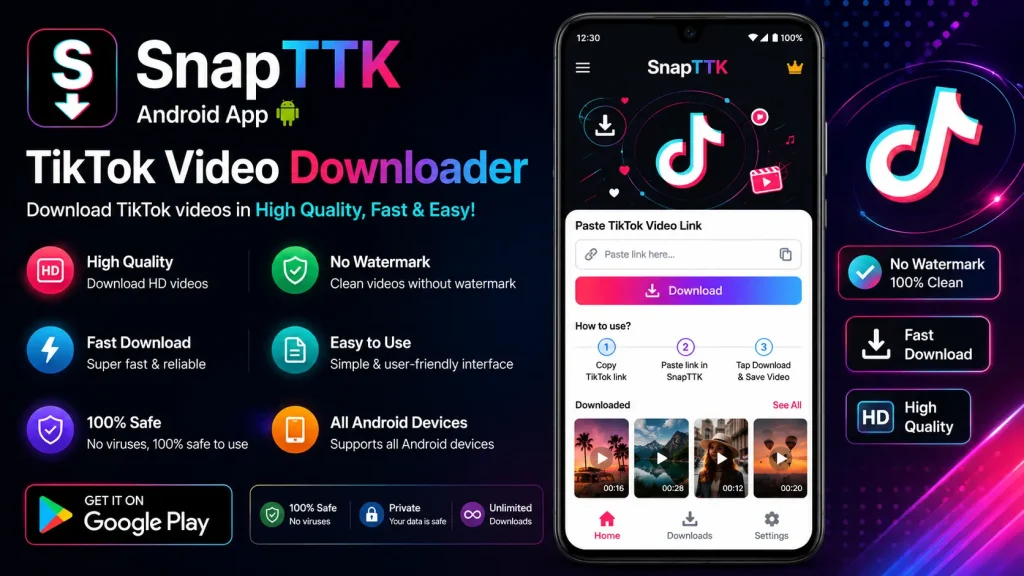
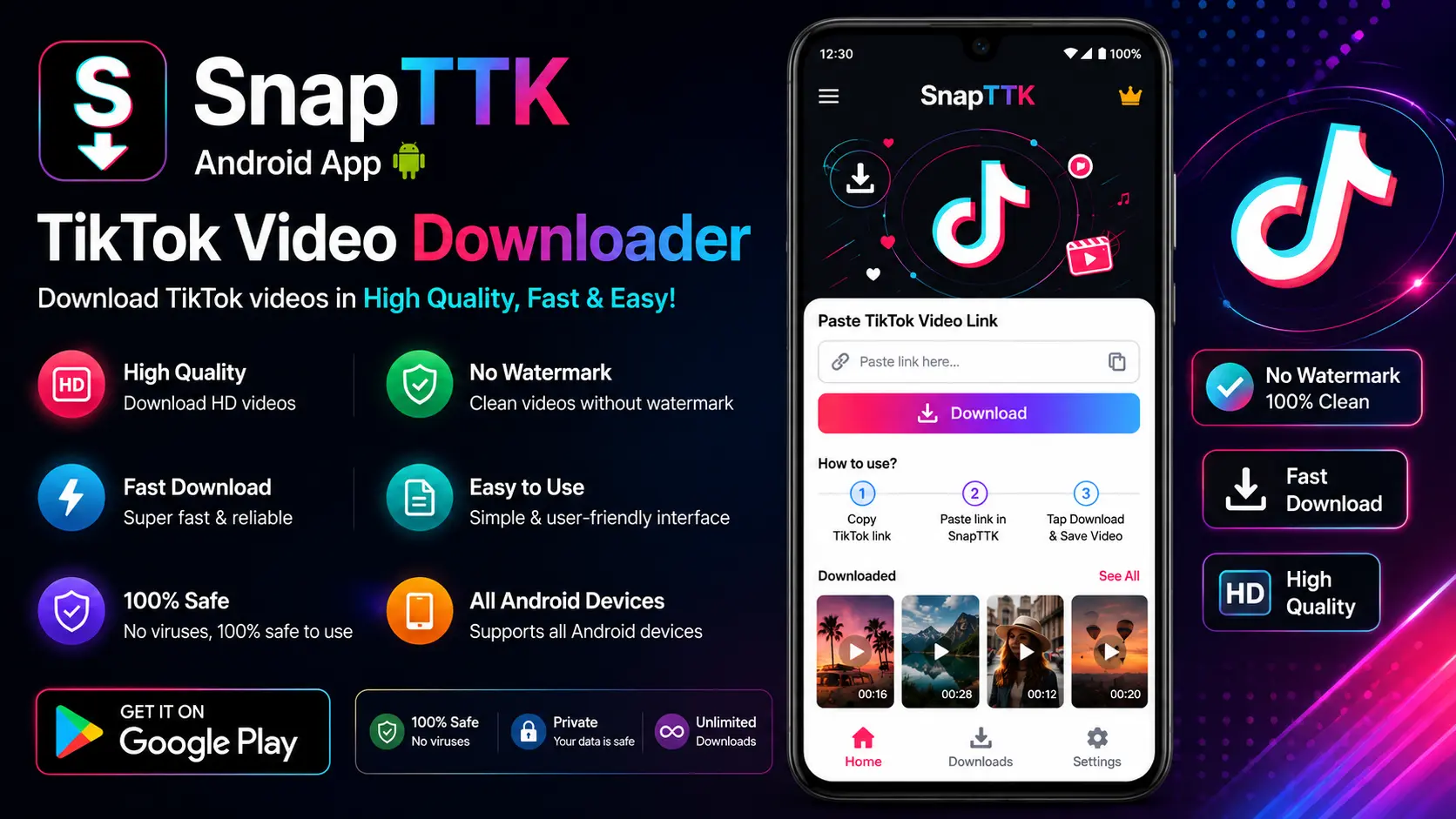
SnapTTK is expanding beyond its online downloader with a dedicated Android application. The new SnapTTK Android app is designed to help users download publicly available TikTok content directly to their phones without repeatedly opening a browser.
The app will support TikTok video downloads, MP3 audio extraction, photo slideshows, and bulk downloading in one simple interface. It will initially be available as a direct APK download through the official SnapTTK GitHub repository. A Google Play Store version is also planned for a later release.

Whether you want to save one TikTok video, extract its audio or download multiple public posts, SnapTTK aims to make the entire process faster and easier on Android.
What Is the SnapTTK Android App?
The SnapTTK Android app is a mobile version of the SnapTTK TikTok downloading service. It allows Android users to paste a public TikTok link and select the type of content they want to save.
Instead of switching between different tools for videos, audio and image posts, users can manage supported TikTok downloads from one application. The app is being developed for people who regularly save content for offline viewing, research, inspiration or personal archiving.
No downloader can access content that is private or unavailable through a public TikTok link.
Download TikTok Videos in MP4 Format
The main feature of the SnapTTK app is its TikTok video downloader. Users will be able to copy a public video link from TikTok, paste it into the app and save the available video as an MP4 file.
Where supported by the source, the app will provide a watermark-free download option and preserve the highest quality available from TikTok. However, the final resolution will always depend on the quality of the creator’s original upload.
Once downloaded, videos can be stored on the Android device for offline viewing and personal use.
Convert TikTok Videos to MP3
Sometimes users only need the audio from a TikTok post. The SnapTTK Android app will include an MP3 download option that extracts the available sound from a public TikTok video.
This feature can be useful for saving spoken tutorials, public audio clips, interviews or sounds for offline listening. Users should still respect copyright and music licensing rules when saving or reusing audio.
The app will not improve the quality of the original audio. It will only convert the sound available in the source post.
Download TikTok Photo Slideshows
TikTok photo posts, also known as slideshows or Photo Mode posts, contain multiple swipeable images and may include background music.
SnapTTK will support publicly accessible TikTok slideshows, allowing users to save the available images without taking screenshots one by one. When image quality matters, downloading the individual photos is usually better than converting the entire slideshow into a video because direct image files preserve more detail.
Available formats and quality will depend on the original TikTok post.
Bulk TikTok Video Downloader
Downloading multiple TikTok videos individually can take a lot of time. The SnapTTK Android app is also being designed to support bulk downloads.
With this feature, users will be able to process multiple supported TikTok links instead of repeating the same steps for every post. Bulk downloading may be helpful for content research, offline collections and users who regularly save several public videos.
The exact number of simultaneous or queued downloads may depend on the app version, device performance and TikTok availability.
Main Features of the SnapTTK Android App
The SnapTTK app brings several downloading options together in one place. Planned features include:
- TikTok video downloads in MP4 format
- MP3 audio extraction
- TikTok slideshow and photo downloads
- Bulk downloading for multiple public links
- Watermark-free options where available
- High-quality downloads based on the source file
- Direct download management on Android
- Simple copy-and-paste workflow
- No TikTok account password required
The application should only need the public TikTok link and the Android permissions required to save files on the device.
How to Use SnapTTK on Android
Using the SnapTTK Android app will follow a simple process. Open TikTok, find the public post you want to download and tap Share → Copy Link. Open SnapTTK, paste the copied URL and choose the required format, such as MP4 video, MP3 audio or slideshow images.
After the app processes the link, select the available quality and save the file to your device. The downloaded content should appear in the selected download folder or media gallery, depending on the file type and Android settings.
Download SnapTTK APK from GitHub
The first version of the SnapTTK Android app will be distributed through the official GitHub repository. Users will be able to open the Releases section and download the latest APK file directly.
Official GitHub download:
[Add the official SnapTTK GitHub release link here]
Because the app will initially be installed outside Google Play, Android may display a warning about installing apps from unknown sources. This warning is normal for manually installed APK files, but users should only continue when downloading from the official SnapTTK repository.
Avoid downloading modified or unofficial SnapTTK APK files from third-party websites.
How to Install the SnapTTK APK
After downloading the official APK, open the file from the browser download list or the Downloads folder. Android may ask you to allow installations from that browser or file manager. Enable the permission temporarily, complete the installation and disable it again afterward if preferred.
Before installation, verify that the APK comes from the official SnapTTK GitHub page and that you are downloading the latest published release.
The exact menu names may differ slightly between Android brands and versions.
SnapTTK on Google Play Store
SnapTTK will initially be available through GitHub, while a Google Play Store release is planned for the future.
Once published, the Play Store version should make installation and updates easier because users will be able to download the app through Google’s standard app distribution system.
Until the official listing becomes available, users should rely only on the GitHub link published by SnapTTK. Any unrelated Play Store listing using a similar name should not automatically be considered official.
Google Play availability: Coming soon.
Is the SnapTTK Android App Safe?
A legitimate TikTok downloader should never ask for a TikTok password. SnapTTK is designed to work with public post links, so users should not need to log in to their TikTok accounts.
Before installing the app, users should check the download source, requested permissions and release information. A downloader may require file or media access to save content, but it should not request unrelated permissions such as contacts, messages or call logs.
Download the APK only from the official SnapTTK GitHub repository and keep the app updated to the latest stable release.
Download Quality Explained
SnapTTK can preserve the highest quality available from the source, but it cannot create details that do not exist in the original TikTok upload.
A video uploaded in low resolution will remain limited after downloading. Similarly, a compressed slideshow image cannot be restored to its pre-upload quality.
For photo slideshows, individual image downloads usually retain more visual detail than an MP4 slideshow conversion. For videos, users should select the highest available MP4 option.
Responsible Use and Copyright
Downloading a public TikTok post does not transfer ownership of the video, images, music or other creative material.
Users should download content for legitimate personal purposes, credit creators when sharing their work and request permission before using downloaded material commercially. SnapTTK provides a technical downloading tool; it does not grant rights to reuse someone else’s content.
The app should not be used to access private, restricted or unauthorized posts.
Why Choose the SnapTTK Android App?
SnapTTK is being developed as an all-in-one Android solution rather than a basic single-video downloader. It combines video, audio, slideshow and bulk downloading features in one mobile application.
The GitHub release will give users direct access to the latest APK, while the planned Google Play Store version will provide a more familiar installation option in the future.
For Android users who regularly save public TikTok content, the app offers a more convenient workflow than opening different websites or tools for every format.
Frequently Asked Questions
Is the SnapTTK Android app free?
The planned SnapTTK Android app will be available as a direct download through its official GitHub repository. Any pricing, advertising or premium feature details should be confirmed on the official release page.
Can SnapTTK download TikTok videos without a watermark?
SnapTTK is designed to offer watermark-free download options where the source and processing method support them.
Can I download TikTok audio as MP3?
Yes. The app is planned to support MP3 extraction from publicly available TikTok video links.
Does SnapTTK support TikTok slideshows?
Yes. SnapTTK will support publicly accessible TikTok photo slideshows and available image downloads.
Can I download multiple TikTok videos together?
The app is being developed with bulk downloading support for multiple public TikTok links.
Is SnapTTK available on Google Play?
Not yet. The app will initially be distributed through GitHub, with a Google Play Store release planned later.
Does the app require my TikTok login?
No. A public TikTok URL should be enough to process supported downloads. Never enter your TikTok password into an unofficial downloader.
Where will downloaded files appear?
Videos, MP3 files and images should appear in the selected download folder, gallery or media location based on the app’s settings and Android version.
Final Thoughts
The SnapTTK Android app will provide a convenient way to download supported public TikTok videos, MP3 audio, photo slideshows and multiple links in bulk.
The first version will be available as a direct APK download from the official SnapTTK GitHub repository, while a Google Play Store release is planned for the future. Users should always download the app from an official source, review its permissions and respect the rights of TikTok creators.
With video, audio, slideshow and bulk features in one place, SnapTTK aims to become a practical all-in-one TikTok downloader for Android users.