TikTok Video Downloader for PC – Download TikTok Videos on Windows
Download TikTok videos on your PC easily with SnapTTK. Save your favorite TikTok videos in high quality using a simple online downloader that works on desktop computers and laptops.
TikTok Video Downloader for PC
TikTok is widely used on mobile devices, but many users also access the platform through desktop computers and laptops for browsing, editing, research, and content management. When using TikTok on a PC, users may want to save videos for offline viewing, content planning, editing projects, or personal collections. However, downloading videos directly from TikTok on a computer is not always convenient.
SnapTTK TikTok Video Downloader for PC provides a simple way to download TikTok videos directly on your desktop browser. You do not need complicated software or technical knowledge. Simply copy the TikTok video link, paste it into SnapTTK, and download the video to your computer.

What Is a TikTok Video Downloader for PC?
A TikTok Video Downloader for PC is an online tool that allows users to save TikTok videos on desktop devices such as Windows computers, laptops, and Mac systems. Unlike mobile-only solutions, a PC TikTok downloader is useful for users who work with larger screens and need easier access to downloaded files. With SnapTTK, users can:
- Download TikTok videos on PC
- Save videos directly to computer storage
- Access downloaded files easily
- Manage videos for editing or offline viewing
How to Download TikTok Videos on PC Using SnapTTK?
Downloading TikTok videos on a computer is simple and takes only a few steps.
Step 1: Open TikTok on Your PC
Visit TikTok through your desktop browser and find the video you want to download.
Step 2: Copy the TikTok Video Link
Click the share option on the TikTok video and copy the video URL.
Step 3: Open SnapTTK Downloader
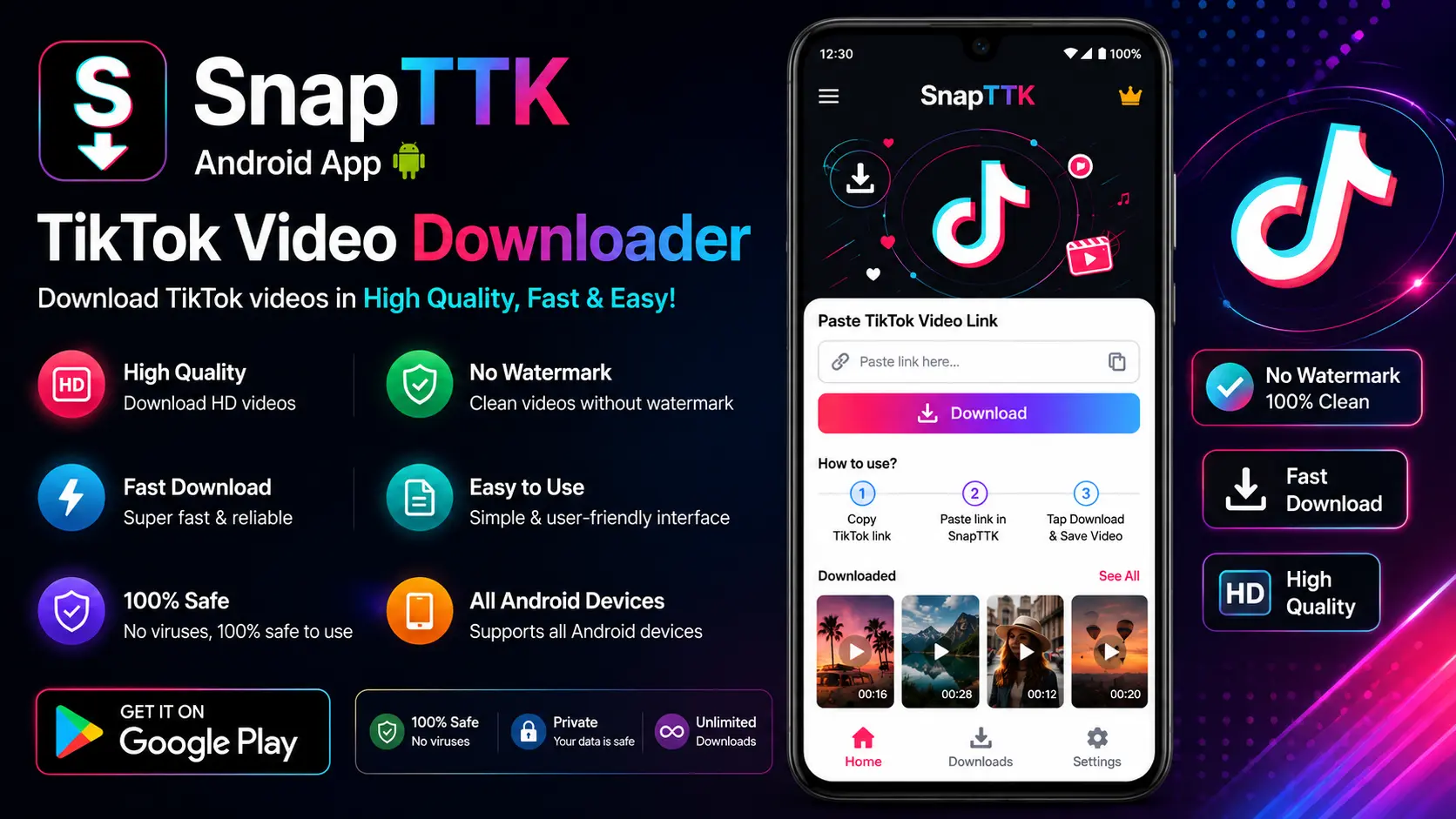
Open SnapTTK in your browser and paste the copied TikTok link into the download box.
Step 4: Download the Video
Click the download button and save the TikTok video directly to your PC. The downloaded file can then be accessed from your computer folder.
Why Use SnapTTK TikTok Downloader for PC?
SnapTTK is designed to provide a simple and convenient downloading experience for desktop users.
No Software Installation Required
Many PC users do not want to install additional programs that consume storage space. SnapTTK works directly through your browser, making video downloading quick and easy.
Works on Windows and Mac
SnapTTK can be accessed from different desktop systems, including:
- Windows PC
- Mac computers
- Laptops
- Desktop browsers
You only need an internet connection and a browser.
Easy Video Management
Downloading TikTok videos on PC makes it easier to:
- Organize files
- Edit videos
- Create backups
- Transfer content between devices
TikTok Video Downloader for PC Without App
Many users search for a TikTok downloader that works without installing software. A browser-based solution provides several advantages:
- No installation required
- No storage usage
- Easy access anytime
- Compatible with multiple devices
SnapTTK allows users to download TikTok videos directly through their browser without installing a separate PC application.
TikTok Downloader for PC With HD Quality
Video quality is important, especially when downloading content for editing or viewing on larger screens. SnapTTK helps users download TikTok videos in the best available quality based on the original video source. High-quality downloads are useful for:
- Video editing
- Content creation
- Presentations
- Offline entertainment
Who Can Use TikTok Video Downloader for PC?
A PC TikTok downloader can be useful for different types of users.
Content Creators
Creators can download videos for:
- Editing projects
- Content research
- Backup purposes
- Cross-platform planning
Social Media Managers
Marketing professionals can collect references and analyze TikTok trends more efficiently.
Students and Researchers
Students can save educational videos and useful information for later viewing.
Regular Users
Anyone who wants to watch TikTok videos offline can use a PC downloader.
TikTok Video Downloader for PC vs Mobile Downloader
| Feature | PC Downloader | Mobile Downloader |
|---|---|---|
| Screen Size | Larger display | Smaller display |
| File Management | Easier organization | Mobile storage |
| Editing | Better for editing tools | Limited |
| Usage | Desktop browsing | Mobile access |
Both options are useful depending on user needs.
Is SnapTTK TikTok Downloader Safe?
SnapTTK focuses on providing a simple and user-friendly downloading experience. Users do not need to provide:
- TikTok passwords
- Personal account details
- Private information
Always respect copyright rules and use downloaded videos responsibly.
Frequently Asked Questions
Can I download TikTok videos on my PC?
Yes, SnapTTK allows users to download TikTok videos on Windows computers, laptops, and Mac devices.
Do I need to install a PC application?
No. SnapTTK works directly through your browser without requiring software installation.
Can I download TikTok videos in HD quality?
Yes, SnapTTK supports downloading videos in the best available quality from the original source.
Does TikTok downloader work on Windows 10 and Windows 11?
Yes, browser-based downloaders work on modern Windows systems with supported browsers.
Final Thoughts
A TikTok Video Downloader for PC makes saving TikTok videos easier for desktop users. Whether you want to download videos for offline viewing, content creation, research, or personal use, SnapTTK provides a simple browser-based solution.
With no complicated installation and an easy link-based process, SnapTTK helps Windows and Mac users download TikTok videos quickly and conveniently.