
TikTok Bulk Video Downloader — Download All Your TikTok Videos in One Click
Want to download multiple TikTok videos without copying individual links? SnapTTK makes it easier with its TikTok Bulk Video Downloader. Simply paste a TikTok profile link, analyze the account, and fetch its available public videos.
You can then download videos individually or in bulk, depending on your needs.
What Is the TikTok Bulk Video Downloader?
The TikTok Bulk Video Downloader is an online tool that helps users download multiple videos from a TikTok profile at once. Instead of collecting video links one by one, you can use a profile URL to fetch available public videos through SnapTTK Downloader.
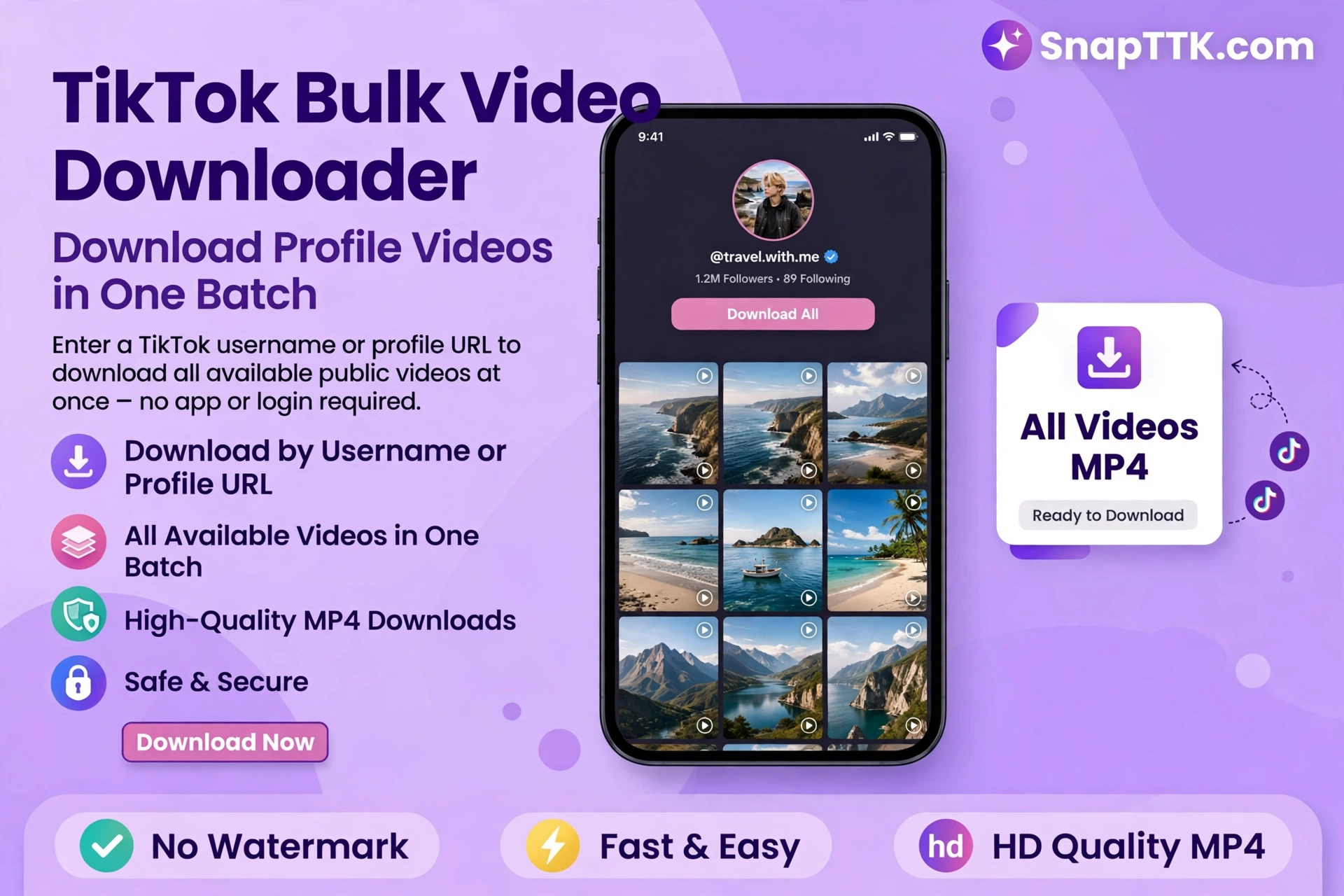
Once the videos appear, choose the clips you want to save or download them together.
Key Features of the Tool
Here are some useful features of SnapTTK:
- Bulk Video Download: Download multiple TikTok videos from one profile.
- One-Click Analysis: Paste a profile link to fetch available videos.
- No Installation Required: Use the tool directly in your browser.
- Individual & Bulk Options: Save selected videos or download multiple clips together.
- Fast Processing Speed: Fetch videos with a simple process.
- High-Quality Downloads: Preserve available video quality.
- User-Friendly Interface: Easy to use without technical knowledge.
- Works on All Devices: Compatible with mobile phones, tablets, and desktops.
- No Login Required: No TikTok account credentials needed.
What Is a TikTok Video Downloader by Username?
A TikTok video downloader by username lets users find and download publicly available videos using a TikTok profile link or username. Instead of copying individual URLs, you can:
- Enter a TikTok username or profile link.
- Fetch available public videos.
- Download videos individually or in bulk.
This feature is useful for content creators, influencers, social media managers, researchers, and users who want to back up their own content.
How to Use the TikTok Bulk Video Downloader
Downloading multiple videos with SnapTTK is simple:
- Open TikTok and visit the profile you want to download videos from.
- Tap the Share button and copy the profile link.
- Open SnapTTK’s TikTok Bulk Video Downloader.
- Paste the profile URL into the input box.
- Click Fetch Videos to load available public videos.
- Choose individual videos or download them in bulk.
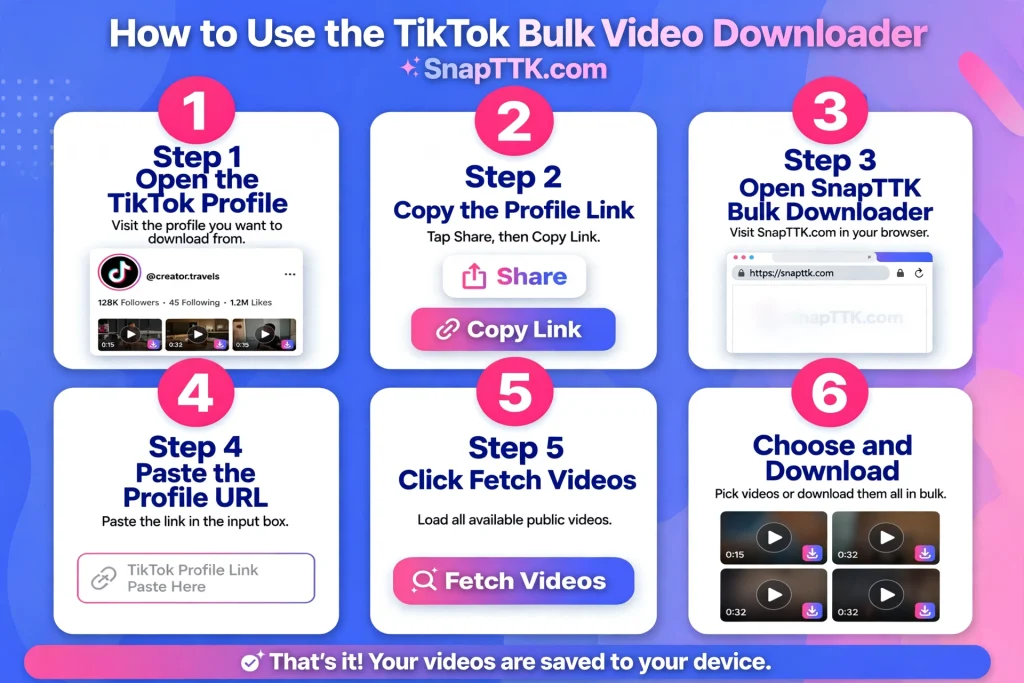
That’s it! Your selected videos can now be saved to your device.
Why Choose SnapTTK Over Competitors?
SnapTTK offers a convenient way to download multiple TikTok videos without unnecessary steps.
- Bulk Fetching: Find multiple videos using one profile link.
- Simple Experience: No complicated installation or setup.
- Privacy-Friendly: No TikTok login required.
- Flexible Downloads: Choose individual clips or bulk downloads.
- Easy Access: Use the tool directly from your browser.
Use Cases and Benefits
The TikTok Bulk Video Downloader can be helpful for different users:
- Content Creators: Back up your own uploaded videos.
- Marketers: Collect publicly available content for research.
- Educators: Save useful video examples for learning.
- Editors: Organize clips for permitted editing projects.
- Archivers: Keep copies of your own public video collection.
Always respect creators’ rights when using downloaded content.
Tips to Maximize Your Experience
For a smoother downloading experience:
- Use an updated web browser.
- Make sure the TikTok profile has public videos.
- Maintain a stable internet connection.
- Avoid private or restricted content.
- Respect copyright when sharing or reusing videos.
Is It Safe to Use?
SnapTTK is designed to provide a straightforward downloading experience without requiring TikTok login credentials. However, always use trusted websites and avoid sharing personal information. Only download content you own or have permission to use, and follow TikTok’s terms of service.
Frequently Asked Questions (FAQs)
Final Thoughts
The TikTok Bulk Video Downloader makes saving multiple videos easier by allowing users to fetch available clips through a single profile link. With SnapTTK, you can access individual and bulk downloading options without installing additional software or logging into TikTok. Whether you’re backing up your own videos or organizing public content for personal reference, SnapTTK offers a simple online solution.